What Does Smart Match Do in the Pie Tax App?
Managing income for your Self Assessment shouldn’t feel like a maze. Yet for many people, sorting through transactions, matching income, and keeping everything tidy can quickly turn into a time-draining, brain-aching task.
That’s exactly why the Pie Tax App includes Smart Match, a clever tool designed to save time. Whether you’re self-employed, a gig worker, or juggling multiple income streams, Smart Match helps you stay in control with just a few taps.
Below, you’ll find a friendly, step-by-step guide to using Smart Match and completing your income reconciliation with confidence.
Your Step-by-Step Guide
Once your bank is connected, you can proceed to the bookkeeping section of the app on your navigation bar.Proceed to Bookkeeping
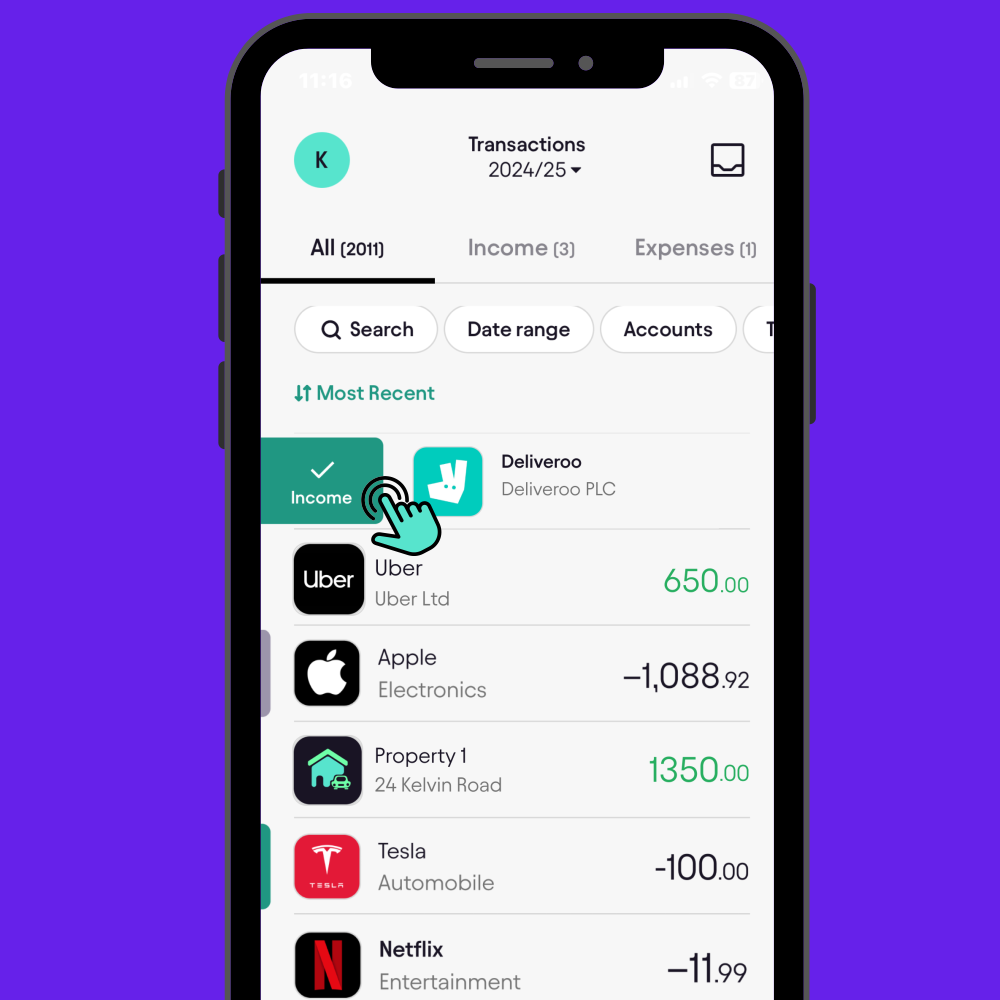
Check if you have selected the tax year you want to file for. Add your income by swiping right on any taxable income or expenses you want to declare on your tax return.All Transactions
You can review each transaction and designate those that constitute income. If there are multiple self-employed income sources within the tax year, you must indicate which source each transaction belongs to.Reconcile
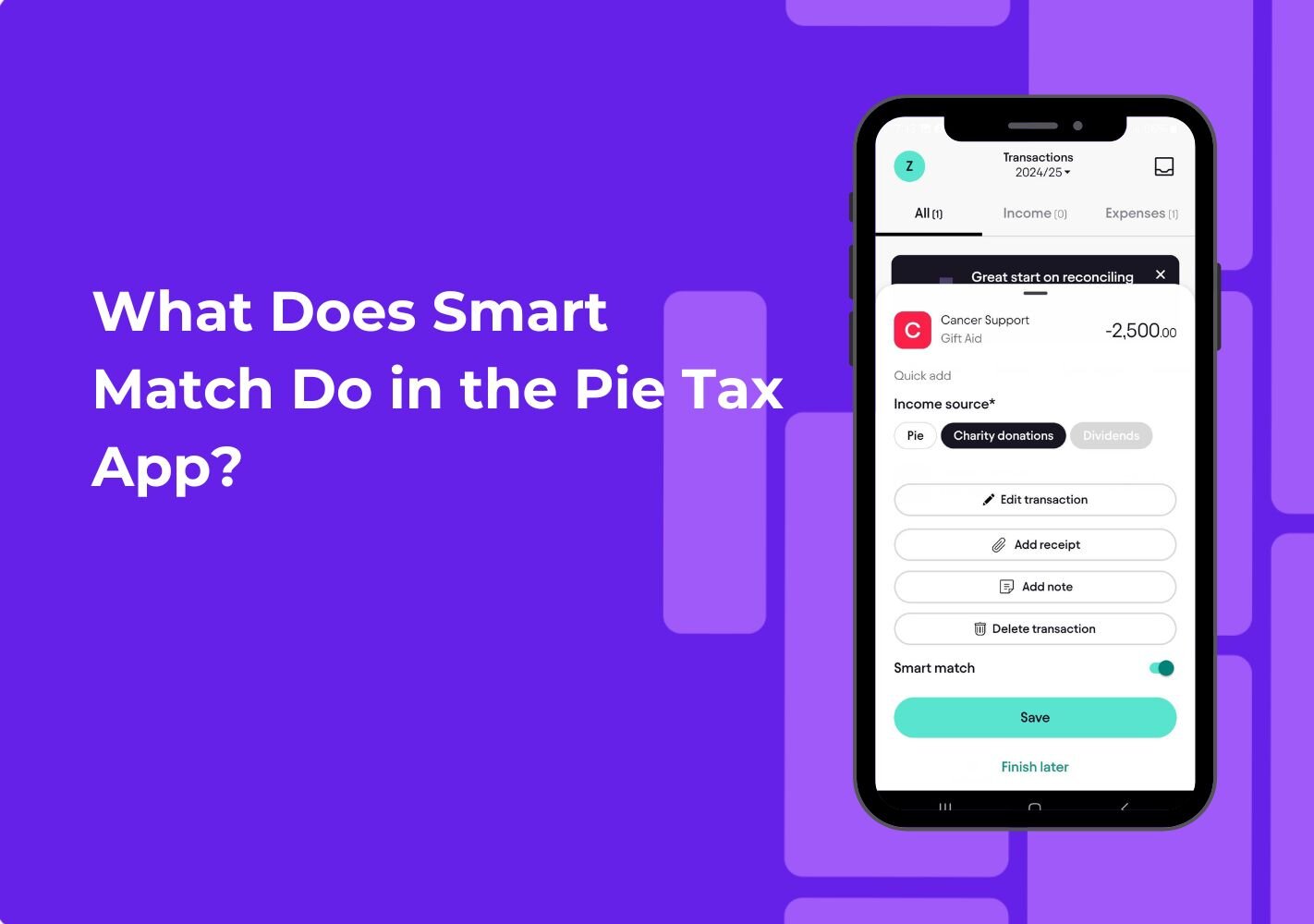
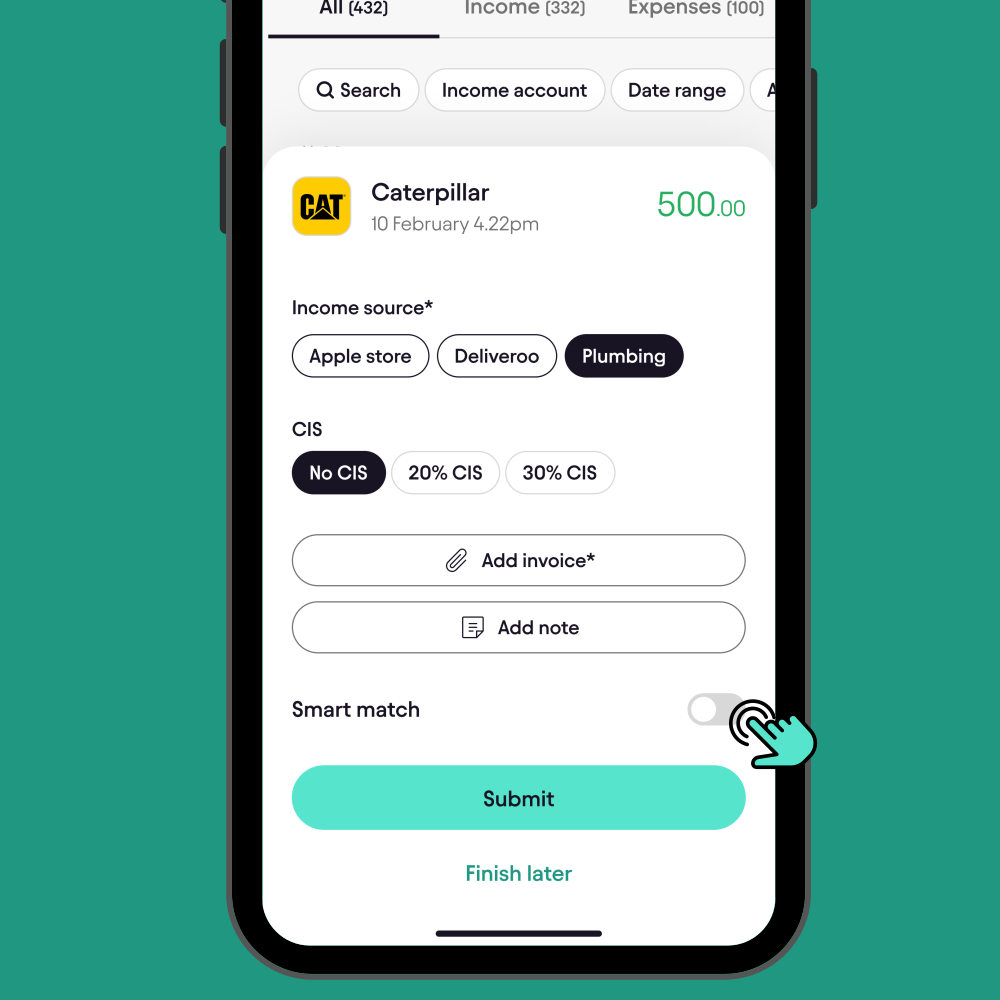
This feature saves time by auto-reconciling transactions. When you select a bank transaction and enable smart match, it automatically marks similar incoming transactions for tax year.Smart Match
Conclusion
Using Smart Match inside the Pie Tax App is one of the simplest ways to slash your admin time and stay on top of your finances. It removes manual work, catches repetitive transactions, and keeps your income tidy so you can focus less on spreadsheets and more on the things you actually enjoy.
When tax time rolls around, you’ll already be organised, confident, and ready to claim what’s yours.