What to Look for in Self-Assessment Software
Not every tool is built for how tradespeople actually work. Before signing up, check for the following.
Trade-relevant expense categories.
Software designed for a marketing consultant will not have "materials", "tools", or "CIS deductions received" set up by default. These should already exist, not require you to build them from scratch.
MTD compatibility.
Check that the software is on HMRC's list of recognised MTD-compatible tools. If it is not, you will need a separate bridging solution when the rules apply to you, which adds cost and complexity.
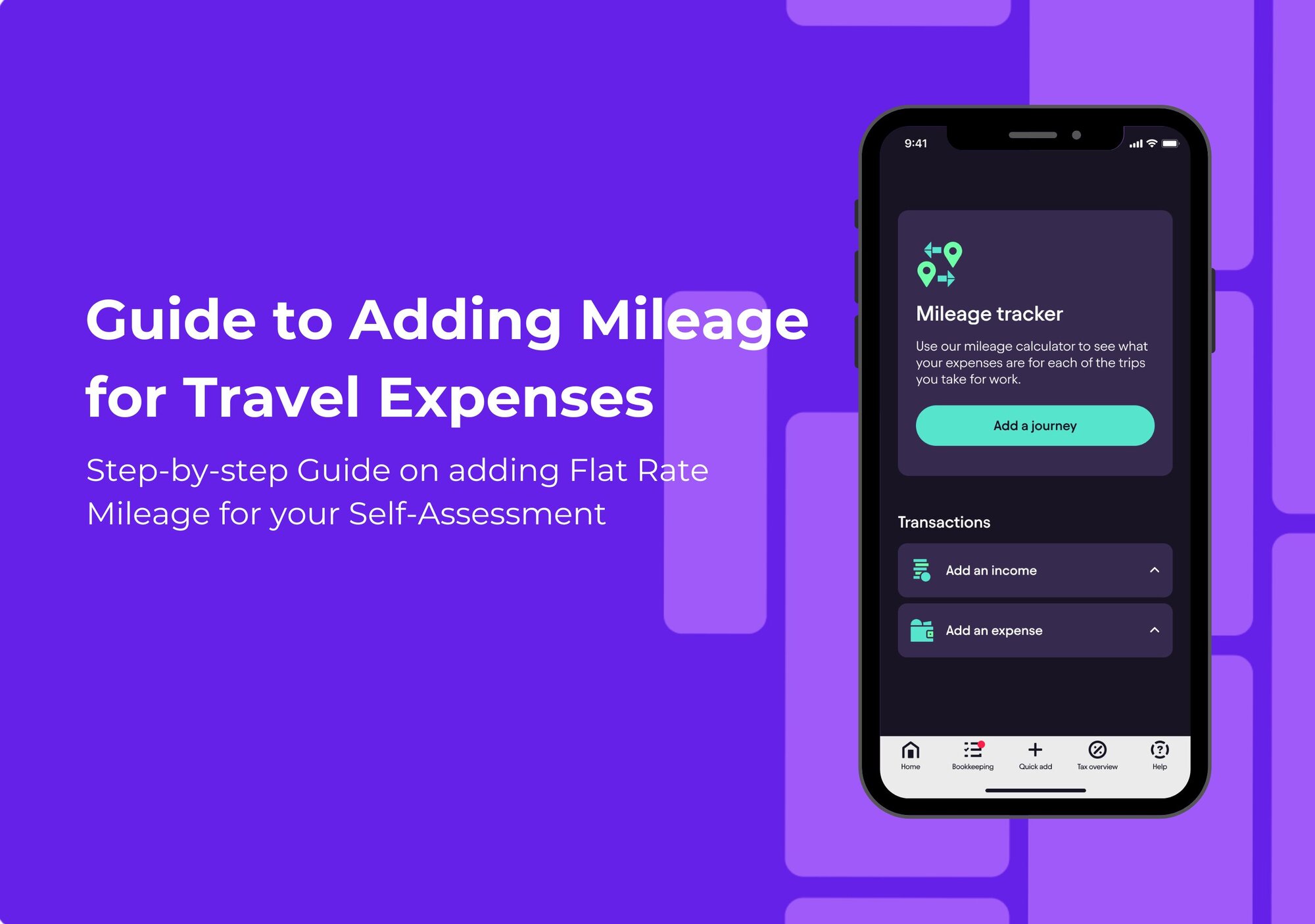
A decent mobile app.
You are not sitting at a desk. You need to be able to photograph a receipt while still in a customer's driveway, log a fuel stop on the way home, or check your tax position between jobs. If the mobile experience is poor, you simply will not use the software consistently.
Bank feed integration.
Automatic import of transactions removes manual data entry and catches things you might otherwise forget to log. Check whether the bank feed is included or costs extra.
Clear tax estimates throughout the year.
A tool that only shows you the final figure at filing time is not giving you anything useful for cash flow. A running estimate, updated as transactions come in, means no January surprises. You can see why Pie is built differently for people who need that visibility on an ongoing basis.
Support based in the UK.
Tax rules differ across jurisdictions, and if something goes wrong near a deadline, you need someone who understands HMRC's systems and can help quickly.